Classroom rosters
Create classrooms, add students, and keep records connected to the right learning group.
Digital assessment tools for teachers
My Assessment Tool connects classroom rosters, flexible assessment templates, focused administration, student assessment tracking, progress charts, and printable reports in one responsive preschool, early childhood, and elementary assessment app.
Customizable assessment templates
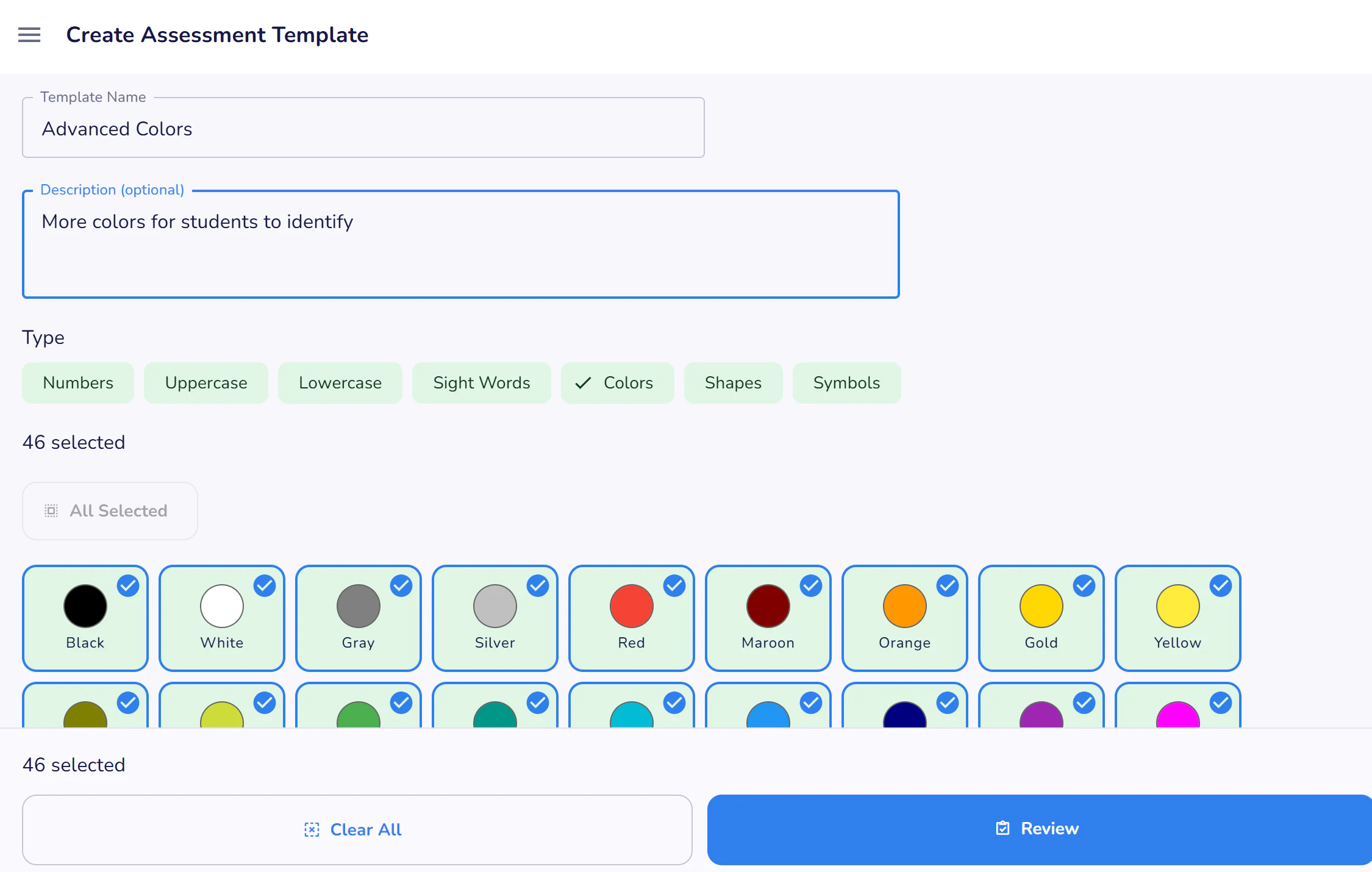
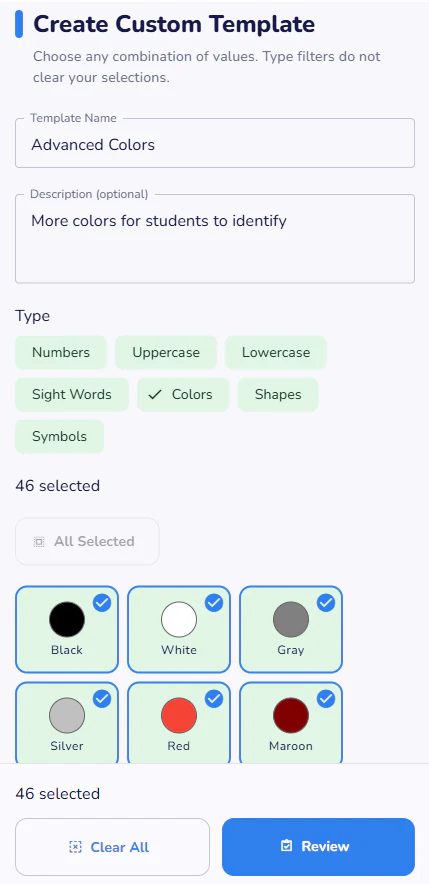
Included templates make it easy to begin checking foundational skills. When your classroom needs something different, create a custom assessment with your own title, instructions, values, and ordering.
Unlike child-facing preschool learning apps, these preschool learning tools and early childhood learning tools are designed for educators to record observations and results. They complement classroom instruction and early childhood learning apps rather than replacing teaching or professional evaluation.
Included assessment templates
Browse standard templates, preview the values, and choose the assessment that matches your goal.
| Template | Description |
|---|---|
| Literacy | |
| Alphabet Recitation | Records the letters a student can recite in order from A through Z. |
| Uppercase Letters | Student identifies uppercase letters. |
| Lowercase Letters | Student identifies lowercase letters. |
| Sight Words | Student identifies common sight words. |
| Math | |
| Rote Counting 1–30 | Records the numbers a student can recite in order from 1 through 30. |
| Numbers 1–10 | Student identifies numbers from one through ten. |
| Foundational Concepts | |
| Basic Colors | Student identifies common colors. |
| Basic Shapes | Student identifies common shapes. |
Student assessment tracking app
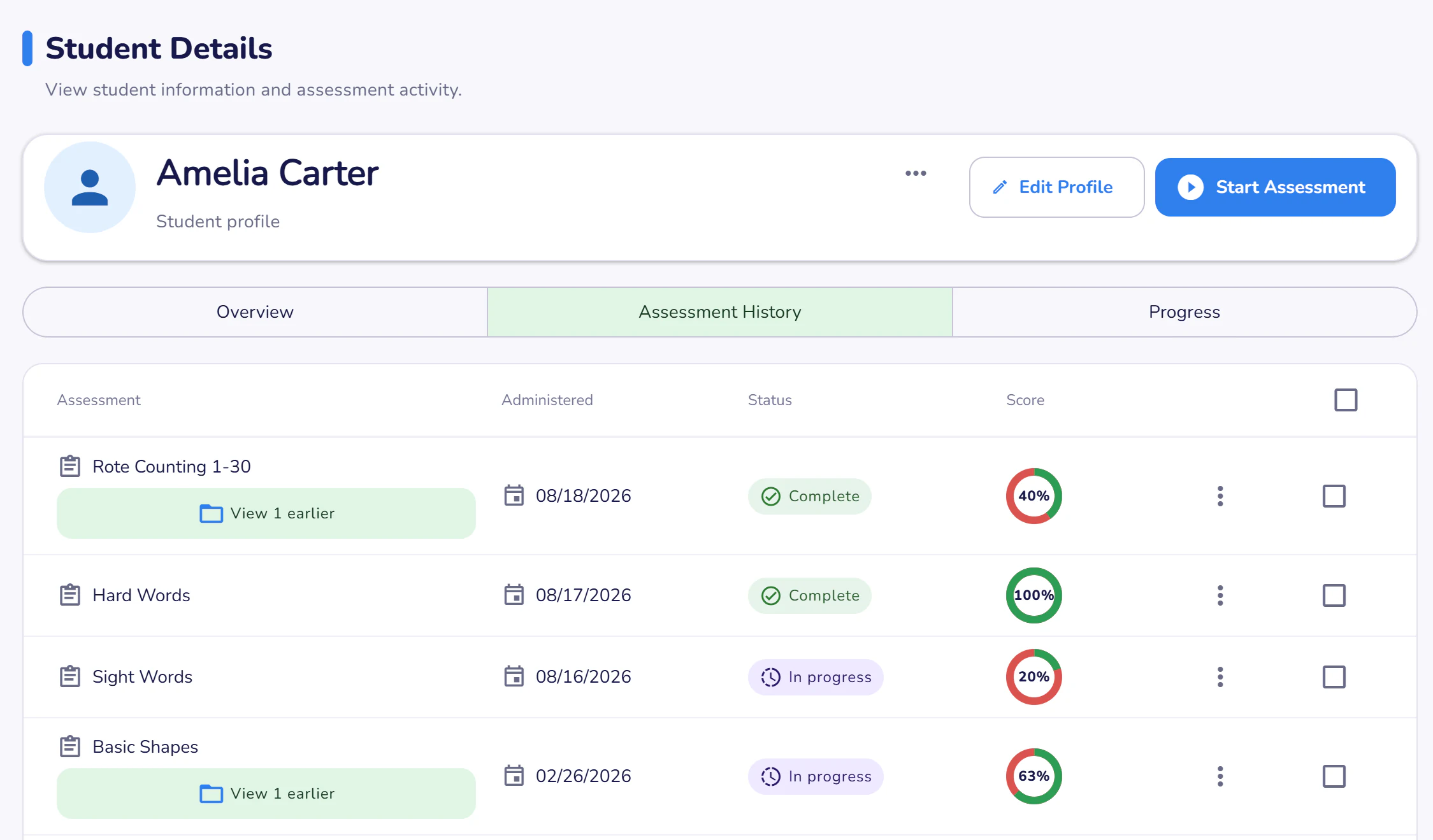
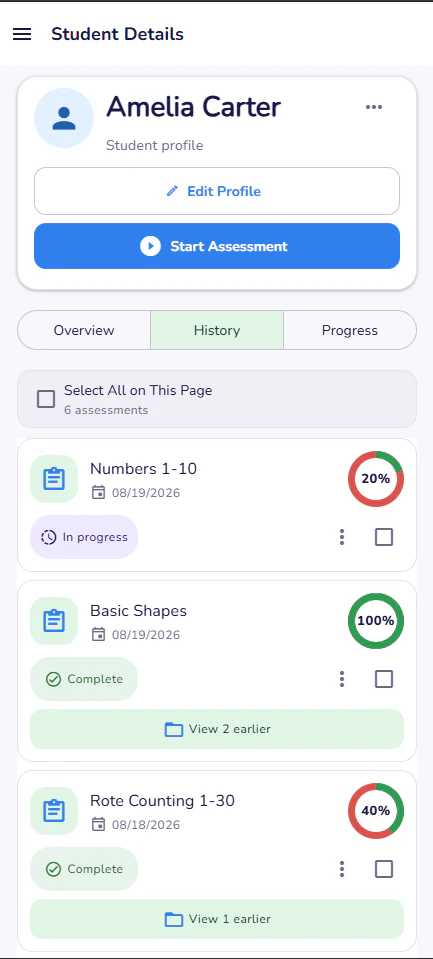
Each student's profile brings completed and in-progress assessment sessions together. Review scores, dates, response details, and notes without piecing the record together from separate files.
Printable assessment reports
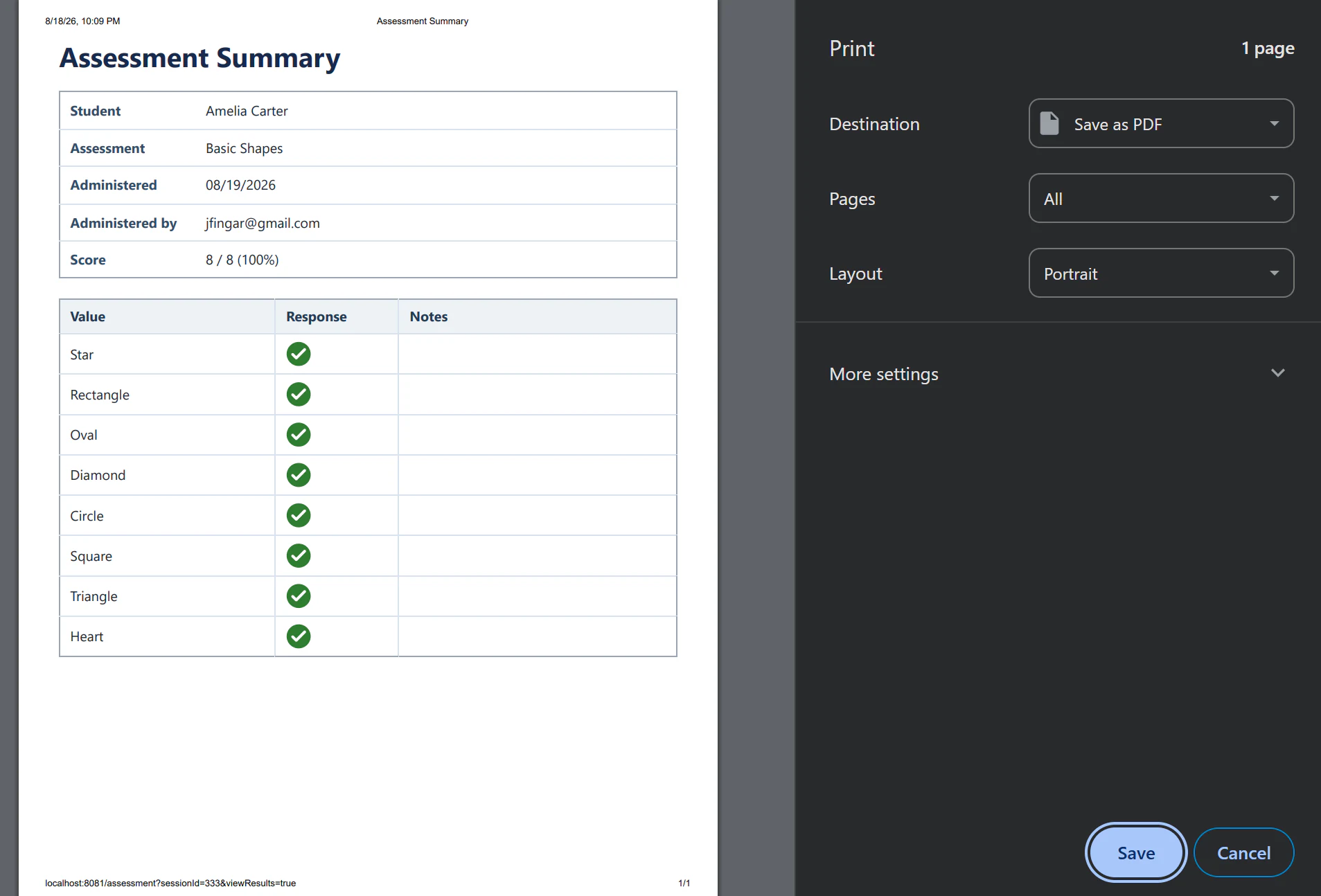
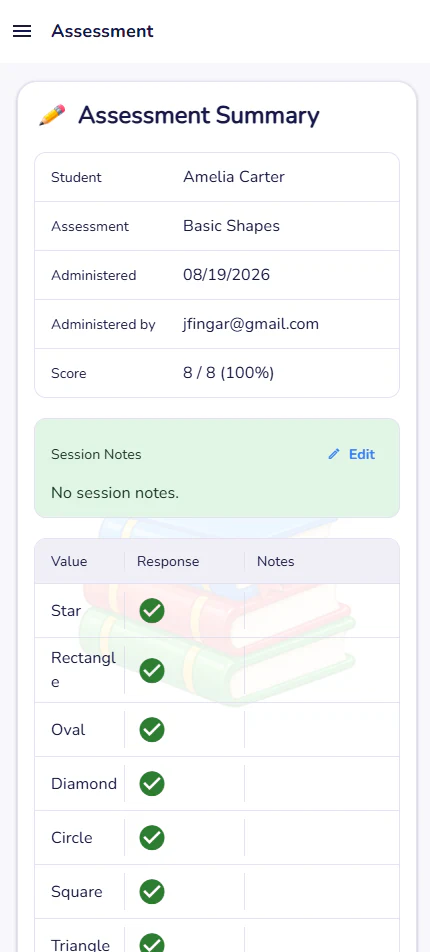
Printable reports summarize the session, score, item-level results, and educator notes in a format that is easy to file or discuss.
Classroom assessment software
Create classrooms, add students, and keep records connected to the right learning group.
Manage staff access and see activity from the dashboard to support a coordinated program.
Use the same assessment workflow across mobile, tablet, laptop, and desktop displays.
Capture notes for individual values and the overall session while context is fresh.
Visualize how results change across repeated assessments and dates.
Keep prompts large and controls clear for a calm one-to-one assessment experience.
Register for a seven-day free trial and build a clearer assessment workflow for your classroom or program.