Assess students in minutes
Ready-to-use assessments for letters, numbers, colors, shapes, sight words, and more.

For preschool, Pre-K & kindergarten teachers
Give one-on-one assessments digitally, keep student data organized, and easily share progress at IEP meetings and parent-teacher conferences.
No credit card required Cancel anytime
Just $4.99/month or $29.99/year after your trial
Ready-to-use assessments for letters, numbers, colors, shapes, sight words, and more.
Automatically save results, view progress over time, and find records when you need them.
Print reports or pull up records for IEP meetings and parent-teacher conferences.
See the app in action
Explore an assessment session, your classroom dashboard, progress charts, and student history.
Ready-made and customizable
Start immediately with eight included assessments for foundational learning skills, or create a reusable assessment around your own curriculum.
4 included assessments
2 included assessments
2 included assessments
Create custom templates with your own title, instructions, values, prompts, and ordering—then reuse them across students.
A practical early learning assessment app
Spend less time assembling spreadsheets and more time using assessment results to guide instruction.
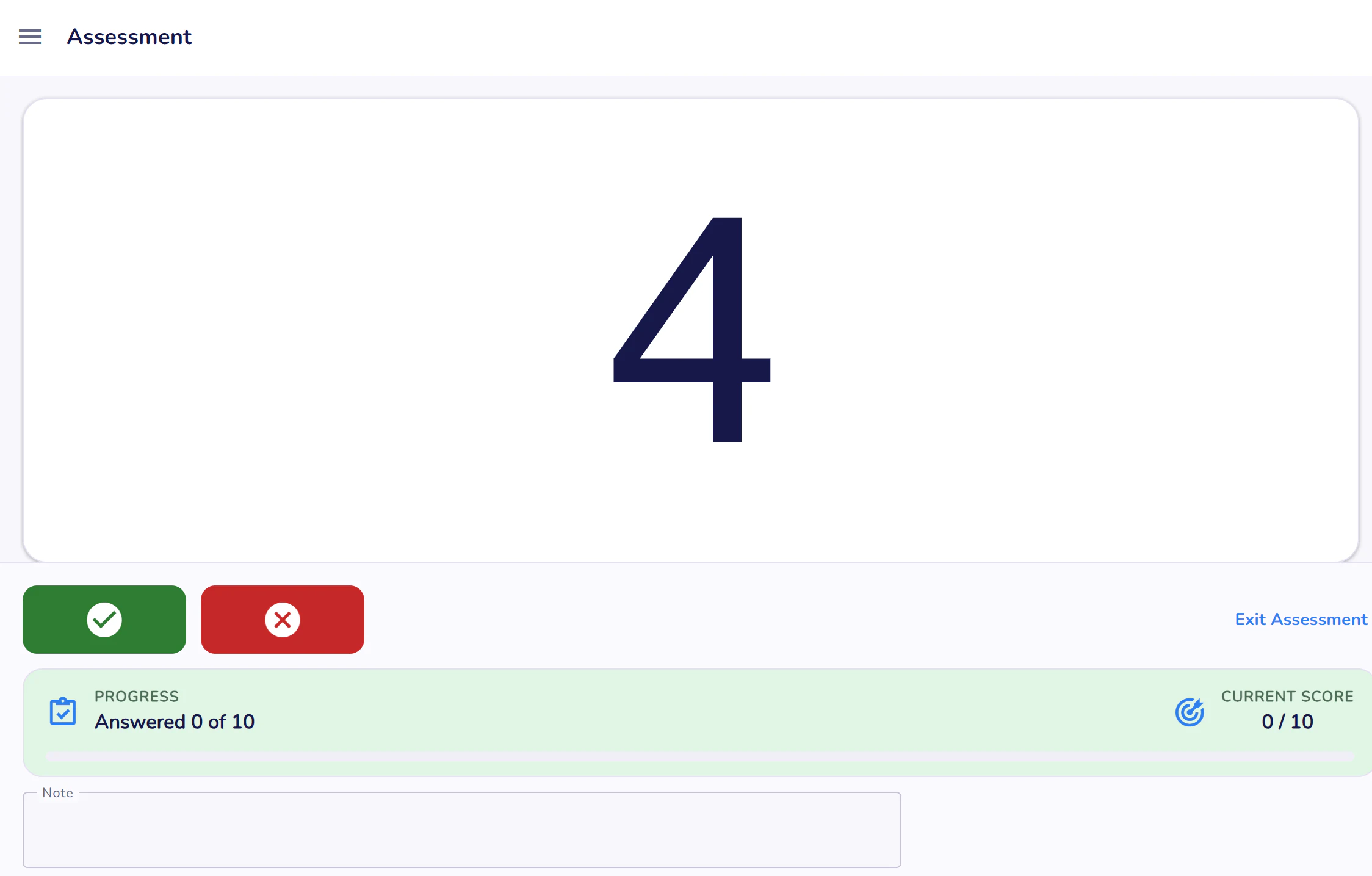
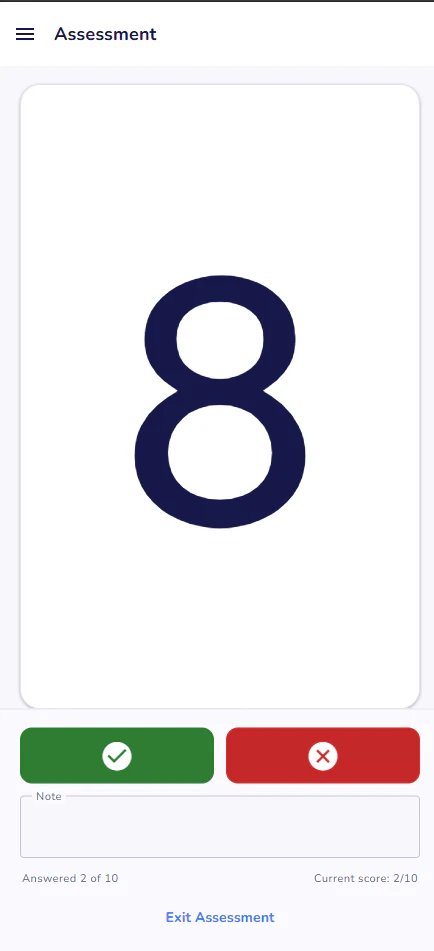
Present one value at a time, record pass or fail, add notes, and keep the focus on the student.
Assess foundational learning areas such as letters, numbers, colors, shapes, and sight words.
Create assessment sets that reflect your own curriculum, classroom goals, and student needs.
See assessment history and progress charts by skill area to recognize growth over time.
Turn completed sessions into clear records for planning, documentation, and conversations.
Group students by classroom and coordinate access for teachers and other support staff.
Assessment tools for early learning educators
Use age-appropriate templates and custom skill checks without changing how you organize results from one classroom level to the next.
Organize preschool assessments for foundational concepts such as colors, shapes, letters, numbers, and classroom-specific learning goals.
Give early childhood educators practical tools for one-to-one skill checks, observation notes, repeated assessments, and progress review.
Record kindergarten assessments for letter knowledge, counting, sight words, and other skills that support instructional planning.
Create custom elementary and elementary school assessments that reflect the curriculum, intervention plan, or learning target you use.
Digital assessment tools for teachers
The uncluttered administration screen keeps the prompt large and the response controls easy to reach. Use a phone, tablet, laptop, or desktop without changing your workflow.
Student assessment tracking
Move from an individual response to a longer-term view without rebuilding the story by hand.
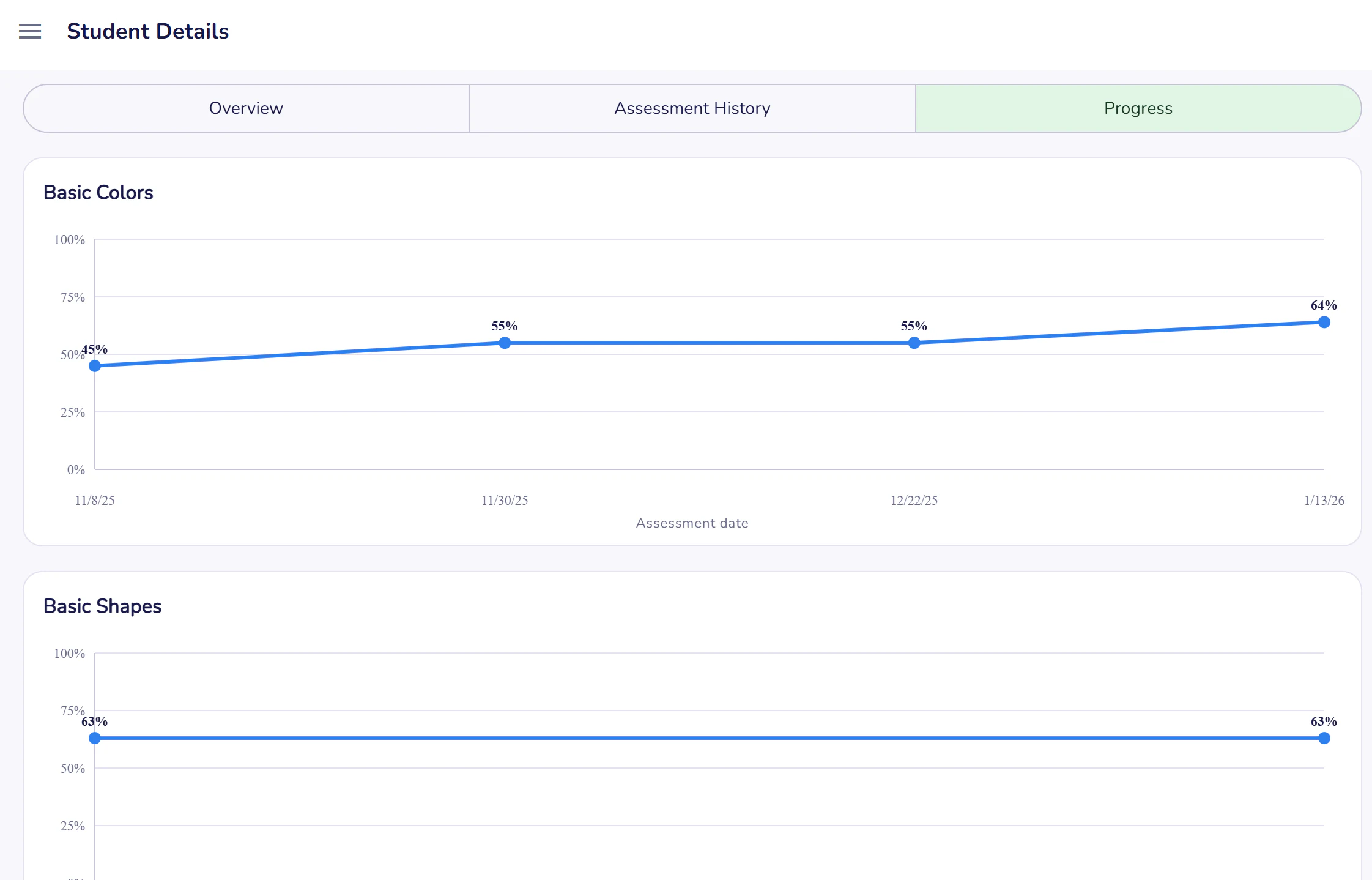
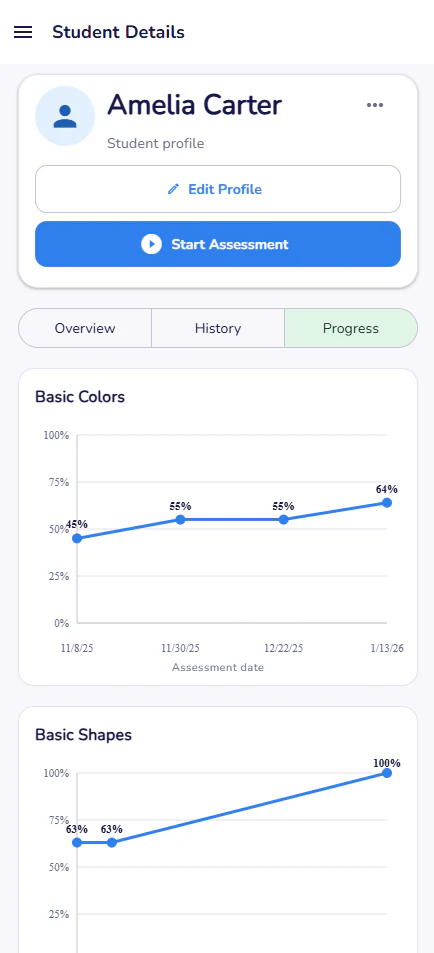
Progress charts organize repeated assessment results by skill area and date.
Explore My Assessment Tool
See the complete feature set, find your preferred platform, compare pricing, or review common questions.
Explore templates, custom assessments, student history, progress tracking, and reports.
Explore features →Use My Assessment Tool on iPhone, iPad and tablets, Android devices, and the web.
View platforms →Start with a seven-day free trial, then choose monthly or yearly billing.
View pricing →Find answers about features, templates, devices, subscriptions, and accounts.
Read FAQs →A repeatable teacher workflow
Start with a default template or build a custom set aligned with your learning goals.
Administer a focused one-to-one assessment and add notes while the details are fresh.
Use history, charts, and printable reports to decide what comes next for each student.
Frequently asked questions
A preschool assessment app helps educators record a child's responses to age-appropriate learning prompts, keep results organized, and review progress over time. My Assessment Tool supports ready-made and custom assessment templates, notes, history, charts, and reports.
Yes. You can create custom assessment templates for the skills, words, values, or concepts you want to check, in addition to using the included default templates.
Yes. The web application has responsive layouts for mobile phones, tablets, laptops, and desktop displays, so educators can use the device that fits their setting.
Yes. Student details include assessment history and progress charts, giving educators a chronological view of performance across repeated assessments.
Yes. Printable reports provide a clear summary of an assessment session, including results and notes recorded by the educator.
Flexible access to fit your schedule
Cancel your subscription at any time. Full access continues through the end of your paid term; after that, your student and assessment records remain available in Archive Mode, so you can view and print previously completed assessments. Reactivate whenever you are ready to administer new assessments.
Start with a seven-day free trial, then continue for $4.99 monthly or $29.99 yearly.