iPhone
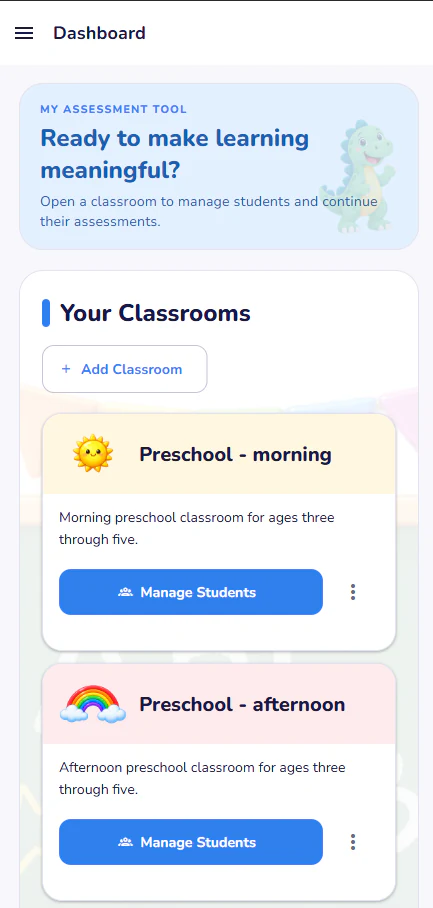
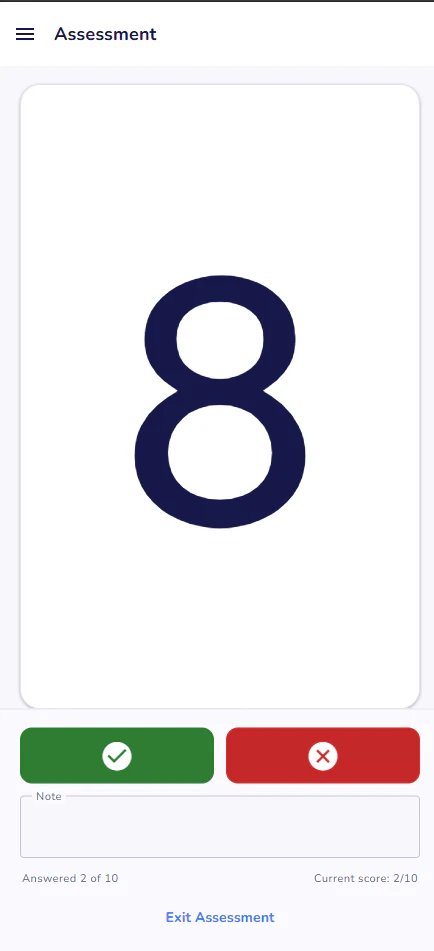
Keep student assessments within reach from a compact mobile device.
Available wherever you assess
Use the device that fits the moment. My Assessment Tool provides a responsive, familiar experience for preschool assessments, early childhood assessments, kindergarten assessments, and elementary school assessments across phones, tablets, laptops, and desktops.
Cross-platform assessment app
Move between devices without learning a different assessment process.
Keep student assessments within reach from a compact mobile device.
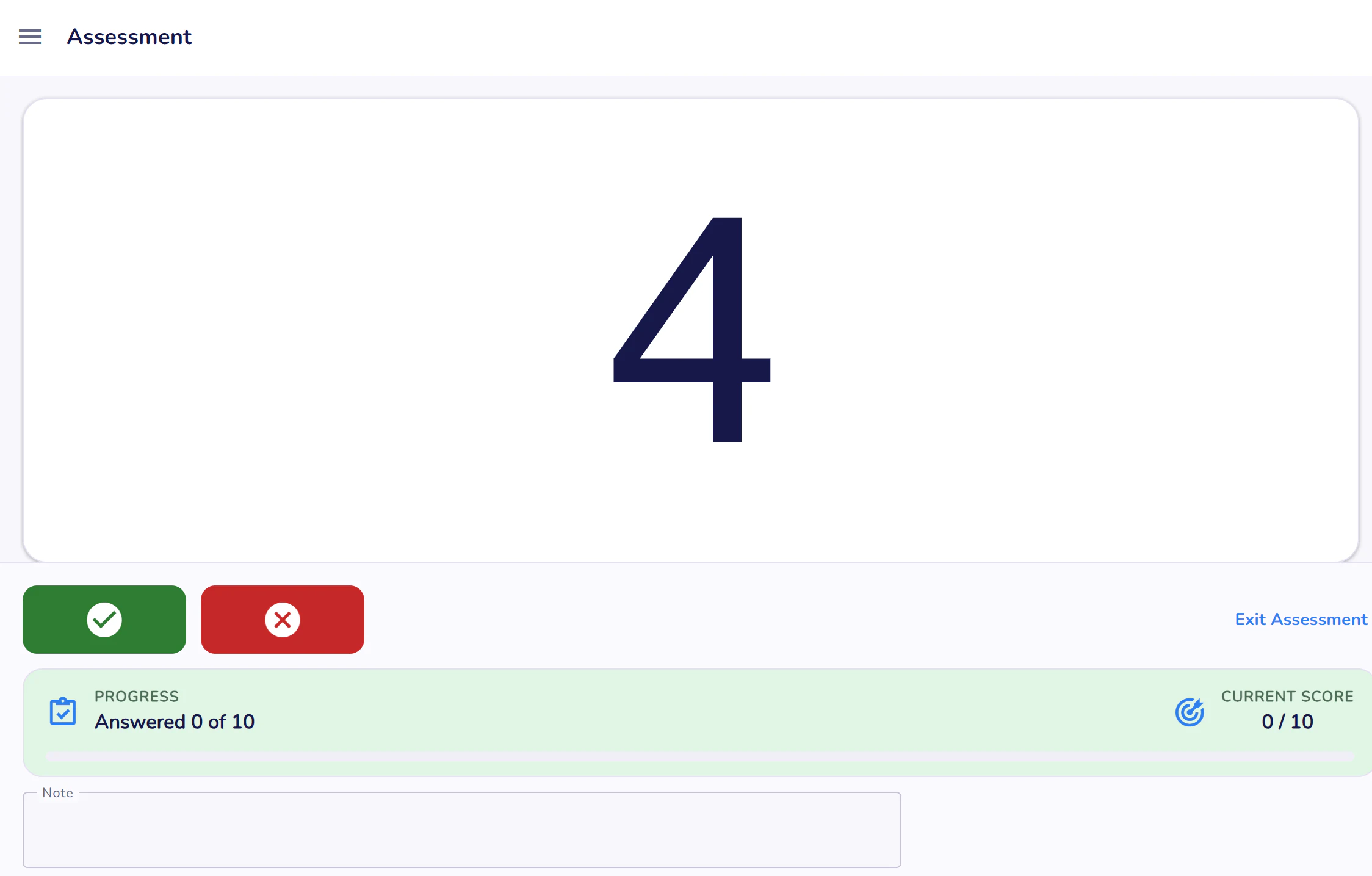
Combine comfortable touch controls with more room for prompts and reports.
Use Android phones and tablets for flexible assessment administration.
Sign in from a modern browser on a laptop or desktop computer.
Responsive by design
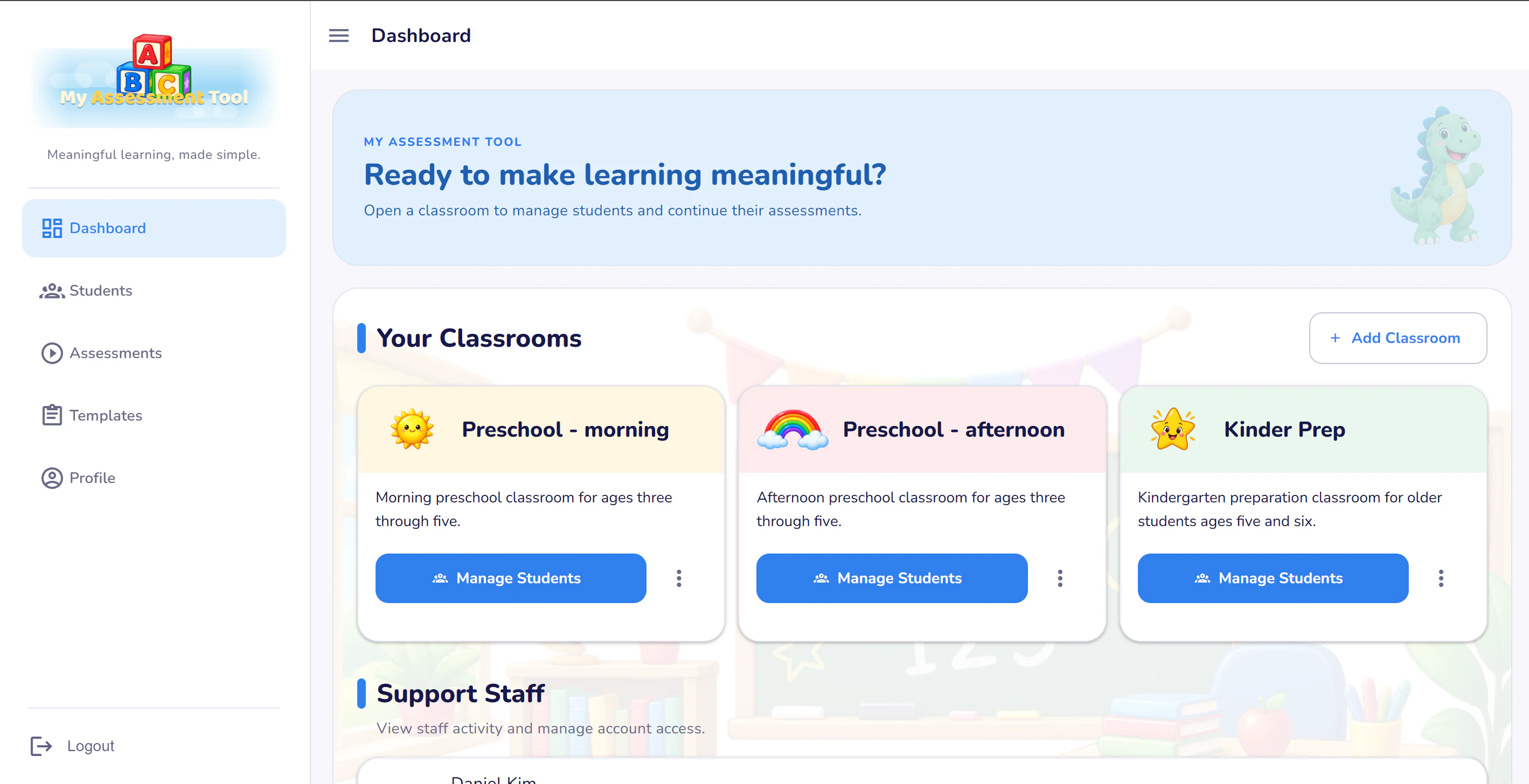
The layout adjusts to the available space while keeping navigation, student records, and calls to action easy to reach.
Use the right device for each task
A phone or tablet can be a natural fit for working alongside a student. A laptop or desktop offers more room for classroom management, progress charts, and detailed history. Your workflow remains consistent across them.
Web access
Open the web application from a modern browser to register, sign in, organize your account, and use My Assessment Tool from a laptop or desktop.
Consistent experience
Device-specific layouts preserve the same core features: classrooms, students, templates, assessment sessions, notes, history, progress charts, and printable reports.
Register through the web application and bring a clear assessment workflow to phone, tablet, laptop, or desktop.